Look and Feel
Layout
The user interface design and layout of the IMS are kept simple and intuitive, ensuring ease of use for all users. It is responsive, adapting seamlessly to various devices used by the users.
Access to the platform is secured by user roles, username, and password, ensuring the protection of sensitive information.
Upon logging in, users are directed to the application's default screen relevant to their role. The top section of the screen features a menu bar, granting access to the platform's main modules, while the bottom section displays data specific to the currently selected application module.
The platform's user interface is tailored to cater to system operators and system administrators, ensuring that each user group can efficiently navigate and utilize the platform to fulfill their respective roles and responsibilities.
The IMS platform features two distinct GUI interfaces:
- Product Inventory (PI) GUI - This interface is dedicated to managing products within the system.
- Service Inventory (SI) GUI - This interface is used for managing services within the system.
Login Screen
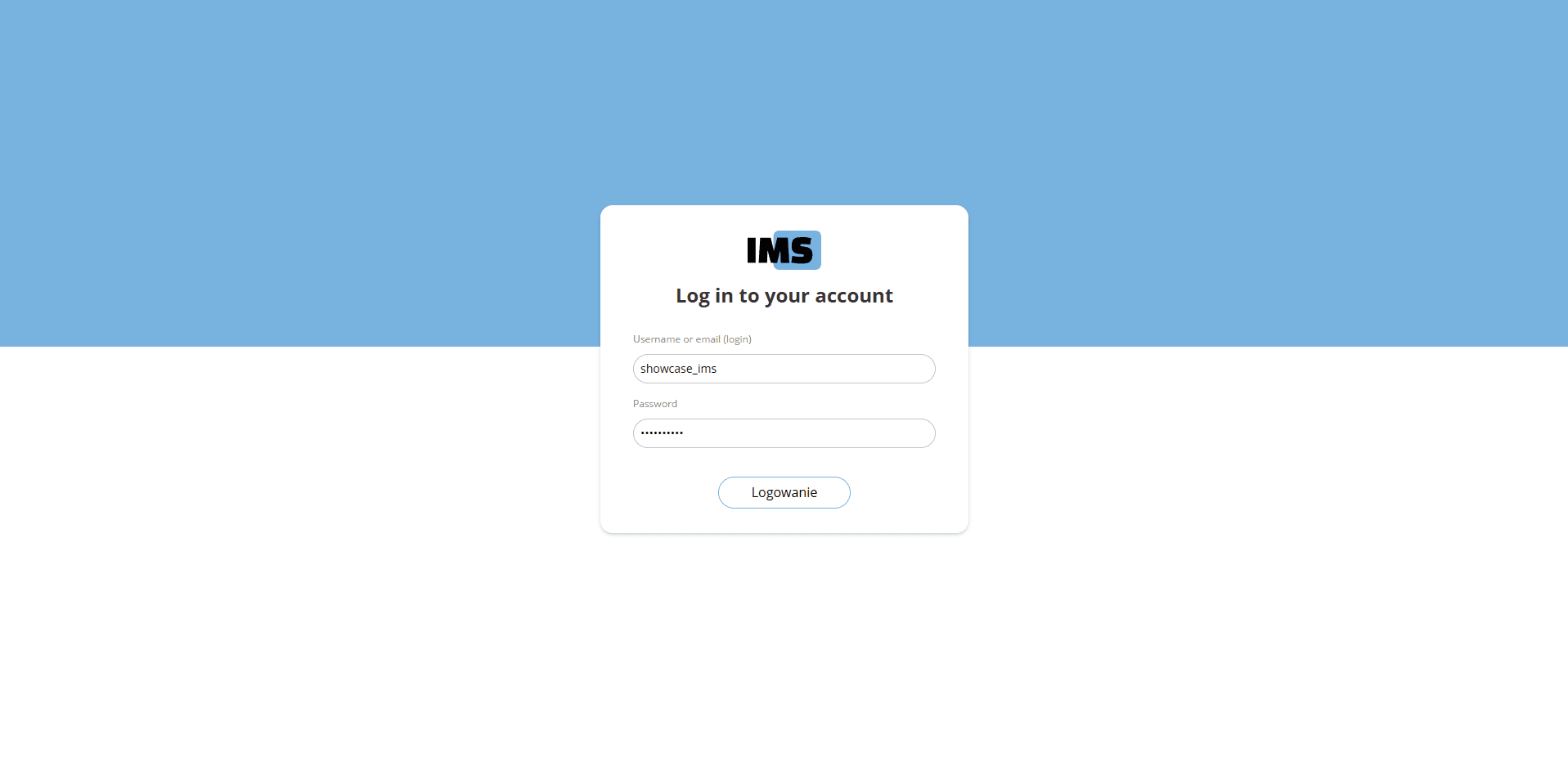
The login screen is the entry point for accessing the IMS platform. Users must enter their username and password to gain access. The screen is designed with a clean and straightforward layout to ensure ease of use. It features:
- Username Field: Users enter their username or email address.
- Password Field: Users enter their password, which is hidden for security.
- Login Button: Clicking this button submits the login credentials for authentication.
The login process is secured to protect user data and ensure only authorized access to the platform.